
Know YourTechnologyStack
Discover the technologies powering your project. Scan your source code to identify programming languages, frameworks, dependencies, containers and infrastructure components while gaining visibility into potential security risks.
Upload a .zip of your project no login required. Free guests get a limited number of scans.
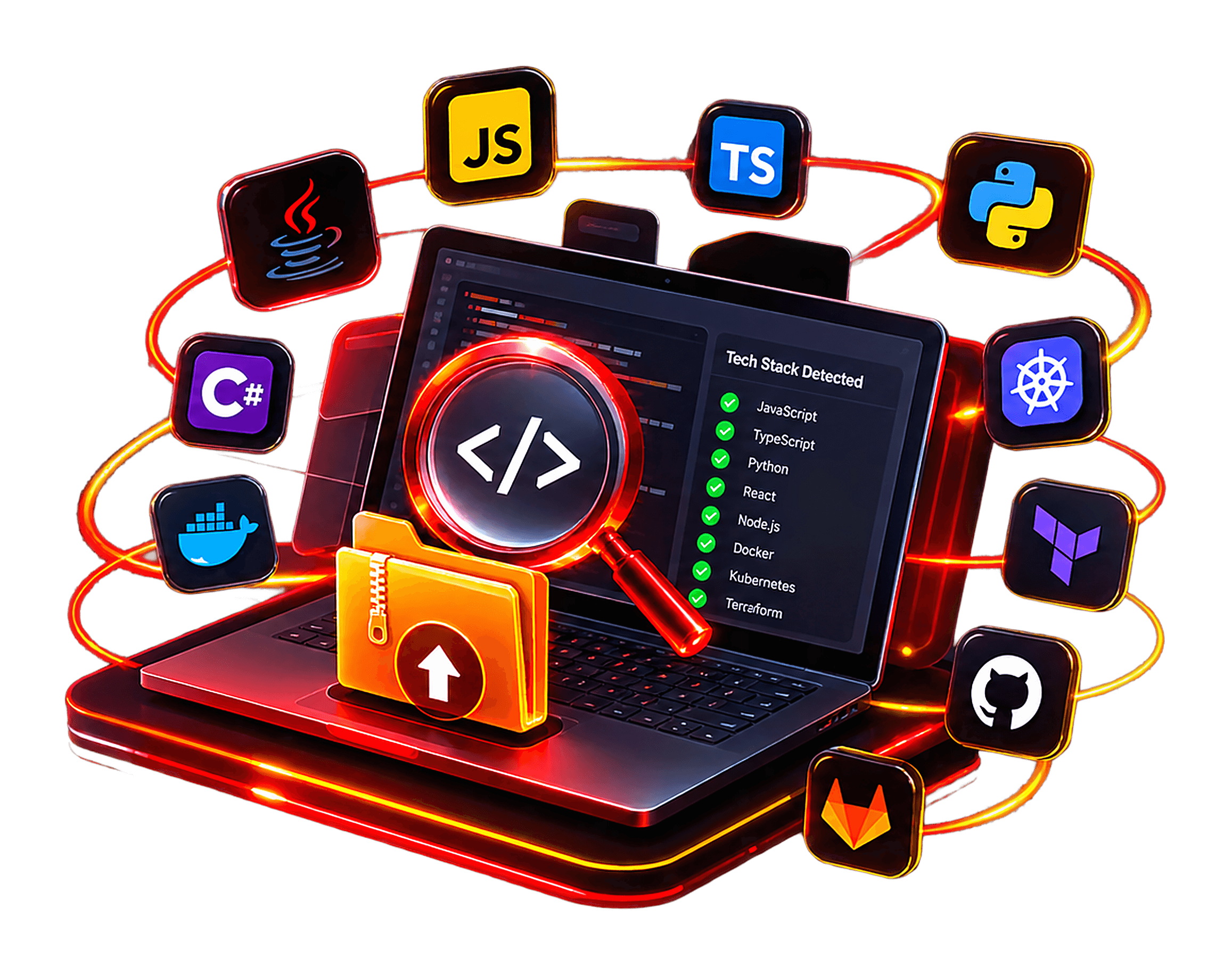
Technology visibility across your project stack
01 / The challenge
Understand every layer of your technology stack
Modern applications combine programming languages, frameworks, dependencies, containers and cloud technologies. Without a unified overview, important components and potential risks can remain difficult to identify.
Fragmented technology visibility
Modern applications combine multiple languages, frameworks and infrastructure technologies. Understanding the complete stack can become difficult when project components are spread across different files and repositories.
Hidden dependencies
Indirect packages and outdated dependencies can introduce security risks that are easy to overlook when reviewing only the main application code.
Configuration blind spots
Container definitions, infrastructure files and CI/CD configurations can introduce weaknesses beyond the application source code itself.
02 / Process
How the Tech Stack Scanner works
From project upload to technology discovery and security findings, follow a structured scanning workflow.
Upload your project
Choose a ZIP archive containing your project source code, manifests and supported configuration files.
Detect the tech stack
Identify recognizable languages, frameworks, package managers and infrastructure technologies from project files.
Analyze security risks
Evaluate supported source patterns, dependencies, secrets and configuration files for potential security issues.
Review your findings
Explore identified technologies, security findings, supporting evidence and available remediation guidance.
03 / Security Detection
Go beyond technology identification
Technology discovery provides context. Security analysis helps your team understand potential weaknesses across supported source files, dependencies and configurations.
Source Code Weaknesses
Identify supported insecure coding patterns, unsafe input handling and other potential application security weaknesses.
Vulnerable Dependencies
Review supported dependency manifests for known vulnerabilities in direct and transitive packages.
Exposed Secrets
Look for potentially exposed API keys, credentials, tokens and sensitive values in supported project files.
Container Security Risks
Review supported container definitions and configurations for potentially insecure settings.
Infrastructure Misconfigurations
Identify potential security weaknesses in supported infrastructure definitions and cloud configuration files.
Pipeline Configuration Risks
Inspect supported CI/CD configuration files for potentially unsafe workflow settings and exposed credentials.
04 / Development Ecosystem
Built around your development workflow
Understand the source control platforms, development pipelines and technologies associated with your project.
Source Code & Repositories
Work with supported source code and project archives to inspect your application's technology stack.
Development Workflows
Understand the technologies and configuration files used throughout your development workflow.
Project Technologies
Bring application code, dependencies, containers and infrastructure definitions into one project assessment.
05 / Reporting
A clearer picture of your project security
Bring technology identification and available security findings together. Understand your project components and review the issues that require further investigation.
Detected programming languages and frameworks
Identified dependencies and project technologies
Security findings and available evidence
Severity and remediation information
Project Overview
Technology Analysis
Source
Project files
Stack
Technologies
Packages
Dependencies
Findings
Security review
Analysis overview
30+
Technology types represented
ZIP
Project archive input
1
Unified project overview
360°
Technology visibility
Start Your Analysis
Discover what powers your project
Get a clearer view of your technology stack and identify potential security risks across your project.
Frequently asked questions
Everything you need to know before your first scan.
Yes. Scans are non-destructive and rate-limited by default, and any payload that could have side effects runs through sandboxed proof-of-concept validation instead of against your live system, so normal traffic and uptime are unaffected.