.png&w=256&q=75)
Authenticated Web Application Scanning
Scan Beyond Login Pages
Find hidden vulnerabilities in protected web pages and identify access control weaknesses with authenticated security scanning.
Start Your Security Assessment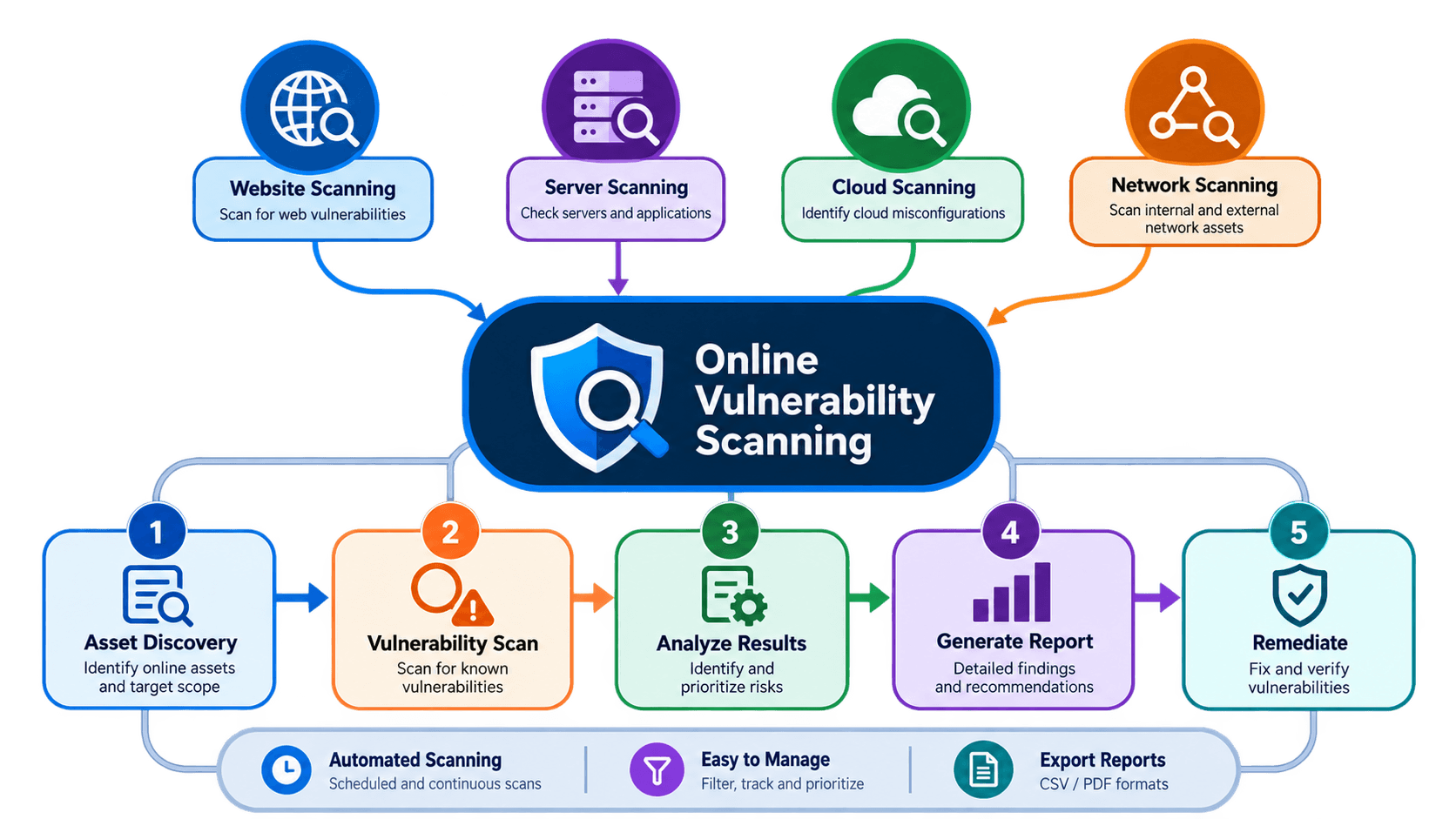
Don't Let Login Pages Hide Security Weaknesses
Many web applications contain sensitive functionality that is accessible only after authentication. Without an authenticated session, security scanners may be unable to inspect these protected areas, leaving important parts of the application untested.
Hidden Vulnerabilities
Unauthenticated scans may miss insecure direct object references (IDOR), broken access controls, and privilege escalation weaknesses located inside protected pages.
Complex Authentication Flows
Login forms, redirects, session tokens, and multi-step authentication can make it difficult to maintain access throughout a security assessment.
Expired Sessions
Invalid credentials, expired cookies, or interrupted sessions can prevent a scanner from accessing protected functionality and completing its intended coverage.
Incomplete Security Reports
Testing only publicly accessible pages can leave security teams without a complete understanding of the application's potential weaknesses.
Test Protected Areas with a More Complete Workflow
Authenticated Scanning extends security testing beyond public pages by allowing the scanner to access application functionality using an authorized login session.
Configure Authentication
Provide the supported login credentials, session information, or authentication tokens for your authorized test account.
Access Protected Pages
Establish an authenticated session and allow the scanner to examine application areas that require a valid login.
Analyze Potential Vulnerabilities
Assess accessible pages and functionality for security weaknesses that may not be visible during unauthenticated testing.
Review Findings and Remediation
Analyze the reported vulnerabilities, evaluate their impact, and use the recommended remediation guidance to strengthen application security.
Improve Visibility Across Authenticated Applications
Protected Area Testing
Assess authenticated pages and application functionality that public-facing scans may not reach.
Session-Based Access
Use supported authentication information to establish access to protected resources during testing.
Access Control Assessment
Investigate potential authorization weaknesses affecting access to sensitive information and restricted functionality.
Actionable Security Findings
Review scan results to understand identified issues, assess their significance, and plan appropriate fixes.
Find Security Issues Beyond the Surface
Testing authenticated application functionality can help reveal weaknesses that depend on user identity, permissions, or access to protected resources.
Insecure Direct Object References (IDOR)
Identify potential weaknesses where users may access another user's records or resources without proper authorization.
Broken Access Control
Investigate whether protected pages, actions, or data are accessible beyond the permissions intended by the application.
Privilege Escalation Risks
Examine potential authorization flaws that could allow a lower-privileged user to perform restricted actions.
Session Management Weaknesses
Assess relevant session-related behavior for potential weaknesses that could compromise account security.
Note: Actual vulnerability detection depends on the scanner's capabilities, authentication configuration, and the application's behavior. Findings should be validated before remediation decisions are made.
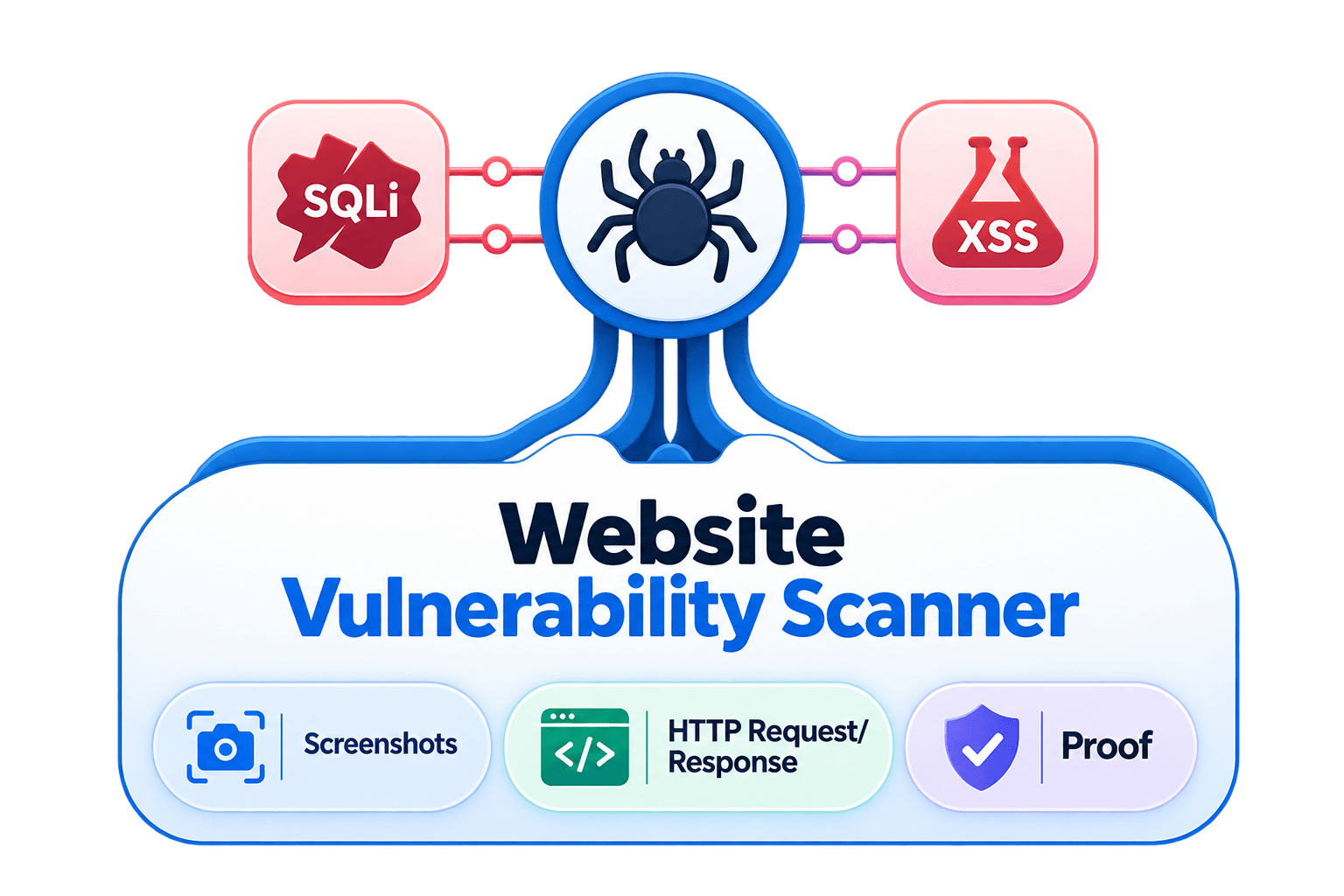
Turn Authenticated Scan Results into Security Improvements
Expand test coverage
Assess protected functionality that may remain outside the reach of unauthenticated scans.
Identify authorization risks
Investigate how application permissions affect access to sensitive resources.
Reduce manual effort
Use supported authentication mechanisms instead of relying entirely on custom login scripts.
Improve remediation decisions
Use scan findings to help developers understand and address potential security weaknesses.
Support repeatable assessments
Apply a consistent testing workflow across authorized applications and environments.
Who Can Benefit from Authenticated Scanning?
Security Consultants
Assess client applications beyond their public pages and investigate security issues that require authenticated access.
Internal Security Teams
Evaluate protected business applications, review potential access control weaknesses, and support ongoing security assessments.
MSSPs and Security Service Providers
Incorporate authenticated testing into authorized client assessments and use findings to guide security recommendations.
Developers and DevSecOps Teams
Identify potential security issues in logged-in application workflows and prioritize fixes during development and maintenance.
Frequently asked questions
Everything you need to know before your first scan.
Yes. Scans are non-destructive and rate-limited by default, and any payload that could have side effects runs through sandboxed proof-of-concept validation instead of against your live system, so normal traffic and uptime are unaffected.