
Find vulnerabilitiesbefore attackersdo
Protect your web applications, networks, APIs and cloud infrastructure with automated security testing. Discover exposed assets, identify vulnerabilities, validate security risks and get actionable reports from one powerful platform.
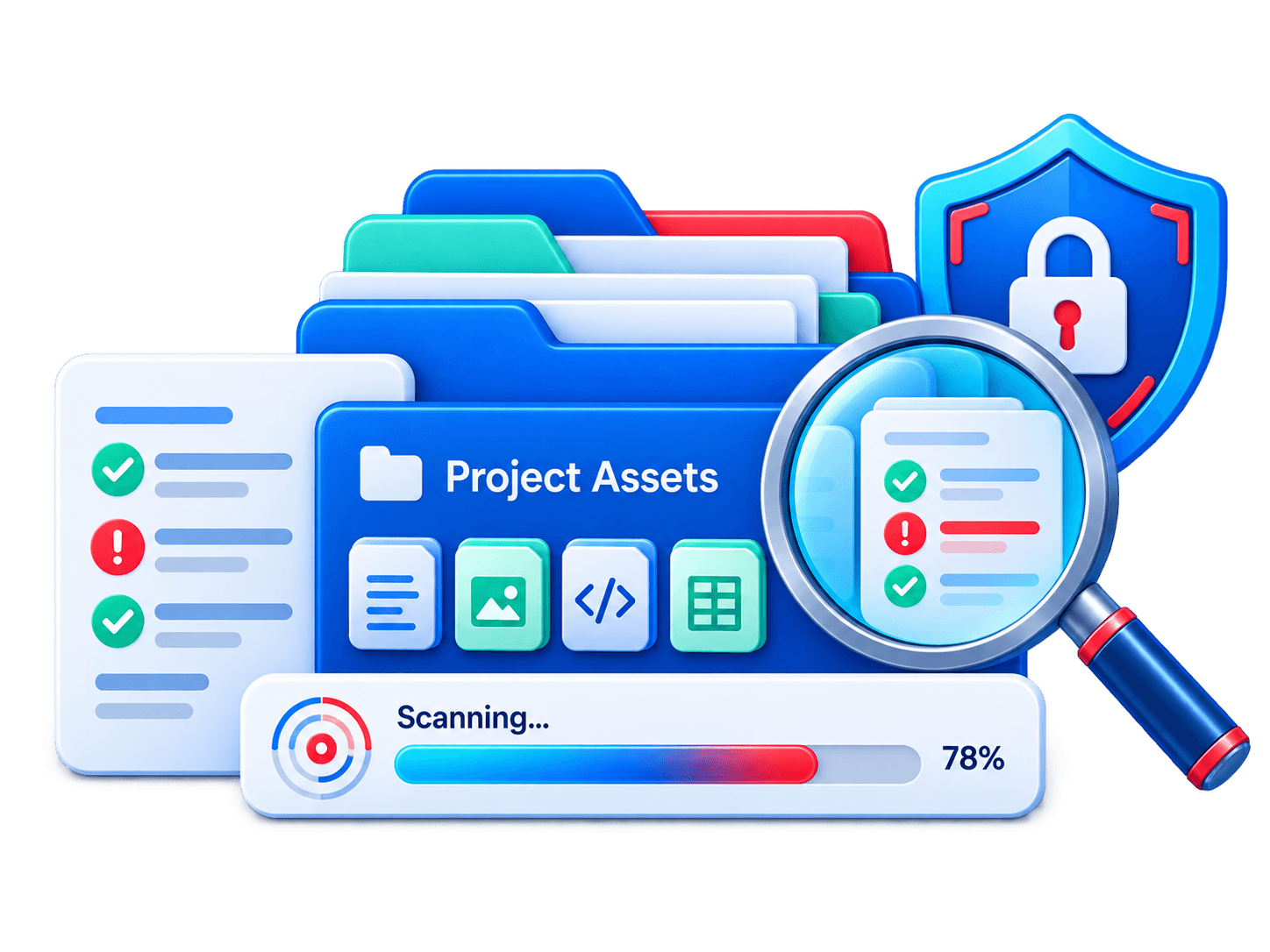
Scan your project’s tech stack
Upload a .zip of your project — we detect languages, frameworks, databases and infrastructure. No login required.
Your archive is analyzed privately and is not shared. Free guests get a limited number of scans.
Works with the stacks your teams already use
01 / The problem
Why scanning project by project doesn't scale
Modern products mix many languages, frameworks, containers and cloud services. When every stack needs its own scanner, security turns into a patchwork.
Alert fatigue
Long lists of unprioritized findings make it difficult for developers to identify the most critical security issues, wasting time and delaying important fixes.
Tool sprawl
Separate scanners for each language and platform mean separate dashboards, separate rules and separate reports for your team to reconcile.
Blind spots between layers
A safe-looking app can still ship with a leaked key, a risky base image or an open storage bucket that no single scanner connects together.
02 / Process
How the project scanner works
Connect
Link a repository, upload an archive, or point to a container image or cloud account.
Detect the stack
The scanner automatically identifies languages, frameworks, package managers and infrastructure files.
Scan every layer
Code, dependencies, secrets, containers, IaC and pipelines are analyzed together in one run.
Prioritize and fix
Findings are de-duplicated, ranked by exploitability and linked to clear fix guidance.
03 / Coverage
Every stack covered, from code to cloud
One scanner, one rule engine, one report. Here is what CyberScan understands out of the box.
Category 01
Languages
Static analysis for common weaknesses and unsafe patterns.
- JavaScript
- TypeScript
- Python
- Java
- Kotlin
- C#
- Go
- Rust
- PHP
- Ruby
- Swift
- C/C++
- Scala
- Dart
04 / Detection
What the scanner detects
Code vulnerabilities
Injection, broken access control, unsafe deserialization, weak crypto and other insecure patterns.
Vulnerable dependencies
Known CVEs in direct and transitive packages, with the safest upgrade path suggested.
Exposed secrets
API keys, tokens, passwords and certificates left in code, history or config files.
Container risks
Outdated base images, vulnerable layers, root users and over-permissive settings.
Infrastructure misconfigurations
Public buckets, open ports, missing encryption and over-broad permissions in IaC and cloud.
License and compliance issues
Flag restrictive or incompatible licenses and map findings to common security frameworks.
05 / Prioritization
From noise to a clear fix list
Reachability-based prioritization
See which vulnerable functions your code actually calls, so you fix reachable risk first and safely defer the rest.
Smart de-duplication
The same issue found by several checks becomes one finding, with all evidence attached in one place.
Fix guidance developers can use
Every finding includes a plain-language explanation, the affected file and line, and a suggested code or version change.
Auto-generated fix pull requests
For supported dependency issues, open a pull request with the recommended upgrade in a single click.
06 / Integrations
Fits into the way your team already works
Scan where developers are, and send results where teams already look.
Source control
Scan on every commit and pull request, and post findings as inline comments.
CI/CD
Add a pipeline step and fail builds only on the severity levels you choose.
Tickets & chat
Create tickets automatically and alert the right channel.
Add a scan step in one line
$cyberscan scan ./my-project --fail-on high
07 / Reporting
One report for developers, security and auditors
Share the right level of detail with each audience. Developers get file-level fixes, security teams get trends and risk scores, and auditors get evidence they can verify.
- Project risk score and trend over time
- Per-finding evidence and fix status
- Exports: PDF, JSON, SARIF and CSV
- CriticalExposed production keyOpen
- HighUnsafe database queryOpen
- MediumUnpinned pipeline actionOpen
08 / Teams
Built for every team
Developers who want fast, fixable feedback inside their pull requests
Security teams who need one view across many projects
DevOps and platform teams who own pipelines and infrastructure
Engineering leaders who track risk as a delivery metric
Consultants and agencies who scan many client projects
Compliance owners who need proof for audits
09 / Customers
What teams say
We replaced several language-specific scanners with one tool. Setup took an afternoon, and the reports are finally something developers actually read. Prioritization alone saved us hours every week.
Sam Rivera
Head of Engineering at [Company]
Ready to see what's hiding in your projects?
Connect a repository and get your first full-stack scan in minutes.
Frequently asked questions
Everything you need to know before your first scan.
Yes. Scans are non-destructive and rate-limited by default, and any payload that could have side effects runs through sandboxed proof-of-concept validation instead of against your live system, so normal traffic and uptime are unaffected.